
Working Notes: Google Veo3 Flow
I explore how deep the rabbit hole of google naming confusion goes

I’m doing a lot of writing this month, and I heard that in 2025 you can turn your writing into pictures and videos (!)

Part of the spur for this exploration was an idea I had for a series of shorts visualizing endgames in AI - intuition pumps for scenarios you’d expect to see if trends persisted unabated.1
I’ve made many text→images before, primarily using Nano Banana, but I’ve never made a video with multiple AI clips. Here’s are my field notes:
To start I wrote three short scenes, inspired by the classic multi-polar AI failure story from Paul Christiano in 2021.
Scene 1:
A whistle like a train in the background as it fades in from black to a server room. People are walking around at normal speed, machines are whirring and on, and the lights are building in intensity.
Scene 2:
Faint background sound of a train speeding up. An aerial shot of a massive buildout of data centers, cut to investors frantically making deals, new factories and widgets and robots coming online. Cuts between all of them.
Scene 3:
Fast train sounds. Alien like structures of datacenters. Incomprehensible symbols on glowing screens. Drones taking off and whirling through skies. Another whistle
This is my first time trying to write a script do not make fun of it.
Initially I thought I’d find and follow a tutorial; hopefully something that would emulate a Dor Brothers video - The Drill was very good. After fifteen minutes of searching and, perhaps predictably encountering a lot of slop, I decided to just jump in.
I started with the Gemini built-in-video generator.
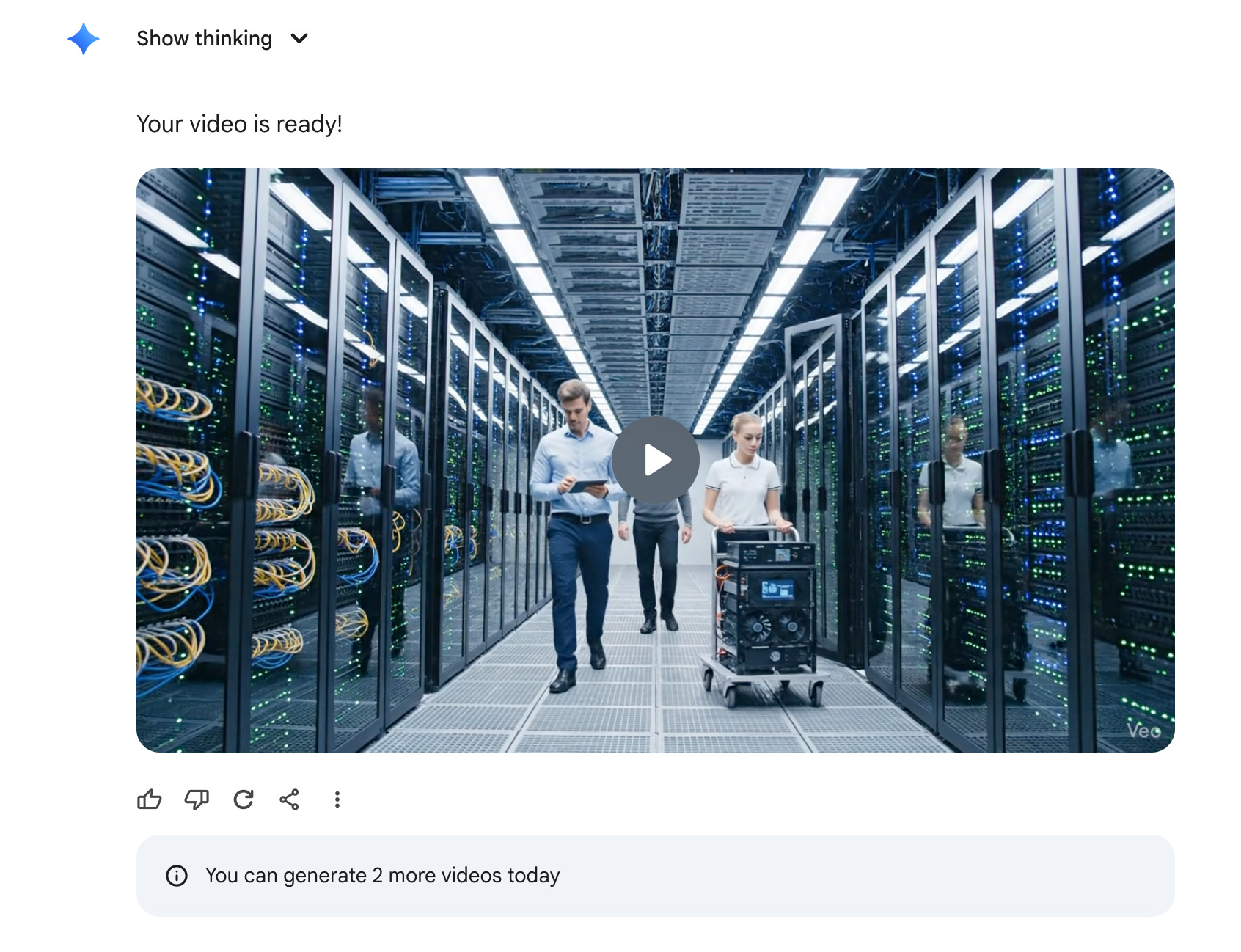
Uh-oh, I did not realize that there was such a low cap on the number of videos I could generate! Google, staying true to form, does not make it easy to immediately see how to increase those limits.
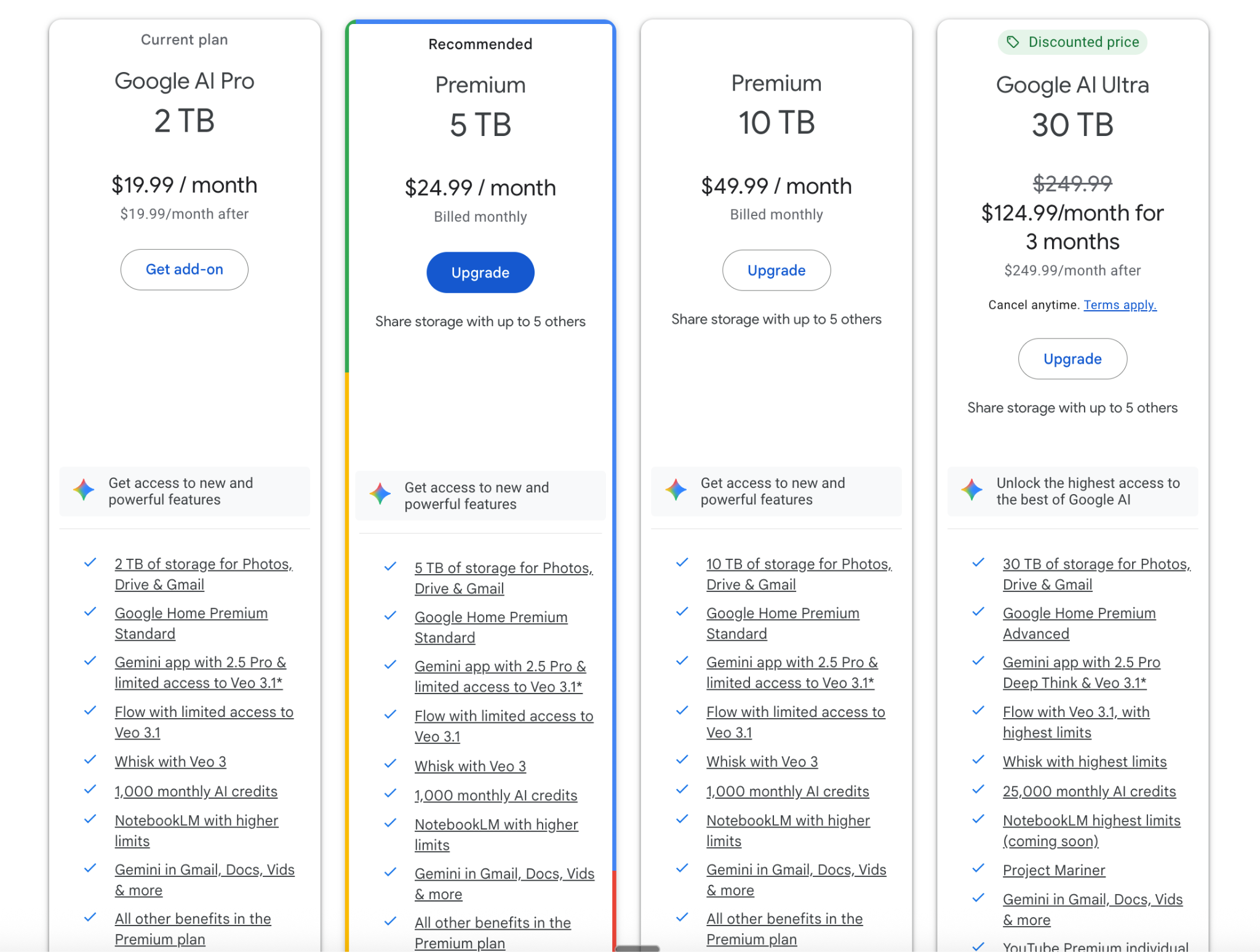
From reading the tiny text, I decided to check out Flow instead.
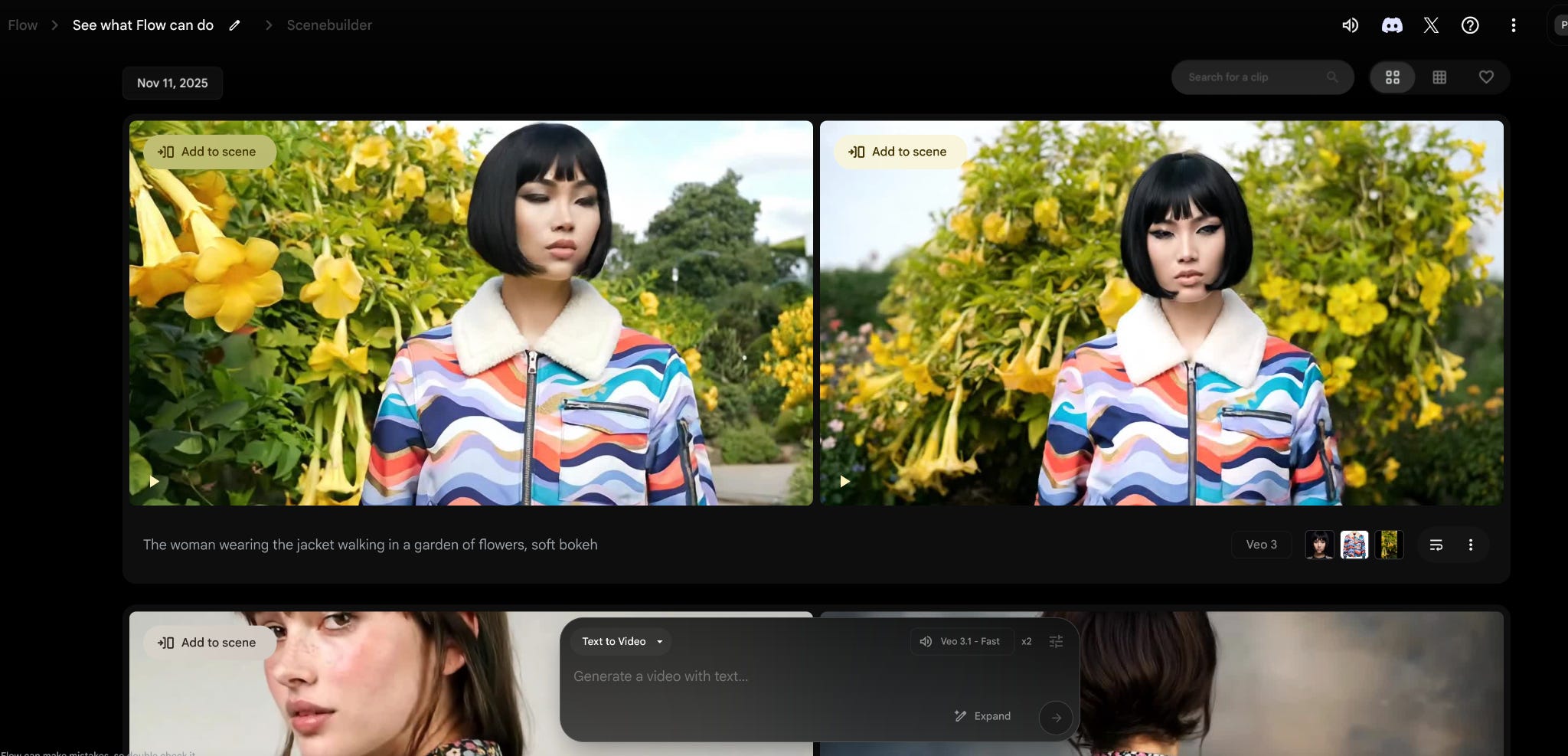
This looked promising. Flow is Google’s unified scene creator and editor - they have project templates that show off different capabilities, as well as edit and extend features for Veo3 clips.
My sense of the general Flow workflow:
Create a Veo3 video
Do it from a text prompt
Add start and/or end images to control the output
Modify the video
Extend the video to continue the clip
Insert new elements
Add it to a scene
Add different transitions
—
I try out the prompt and use the cinematic expander, which, as it says on the tin, expands the prompt.
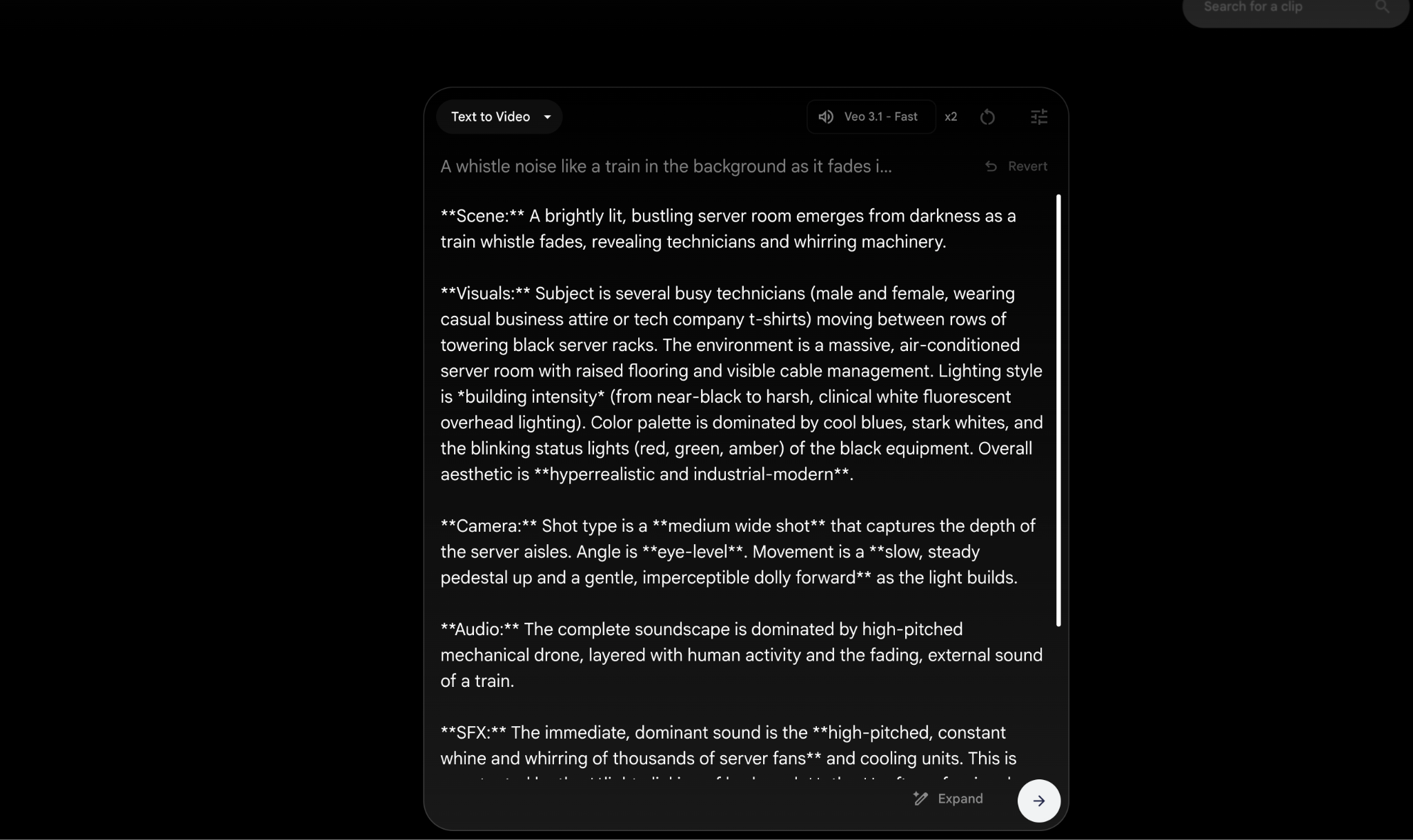
While it’s just an LLM modified prompt, it’s very helpful having it directly in the app.
The first video I generate, with the cinematic modifications, is much better.
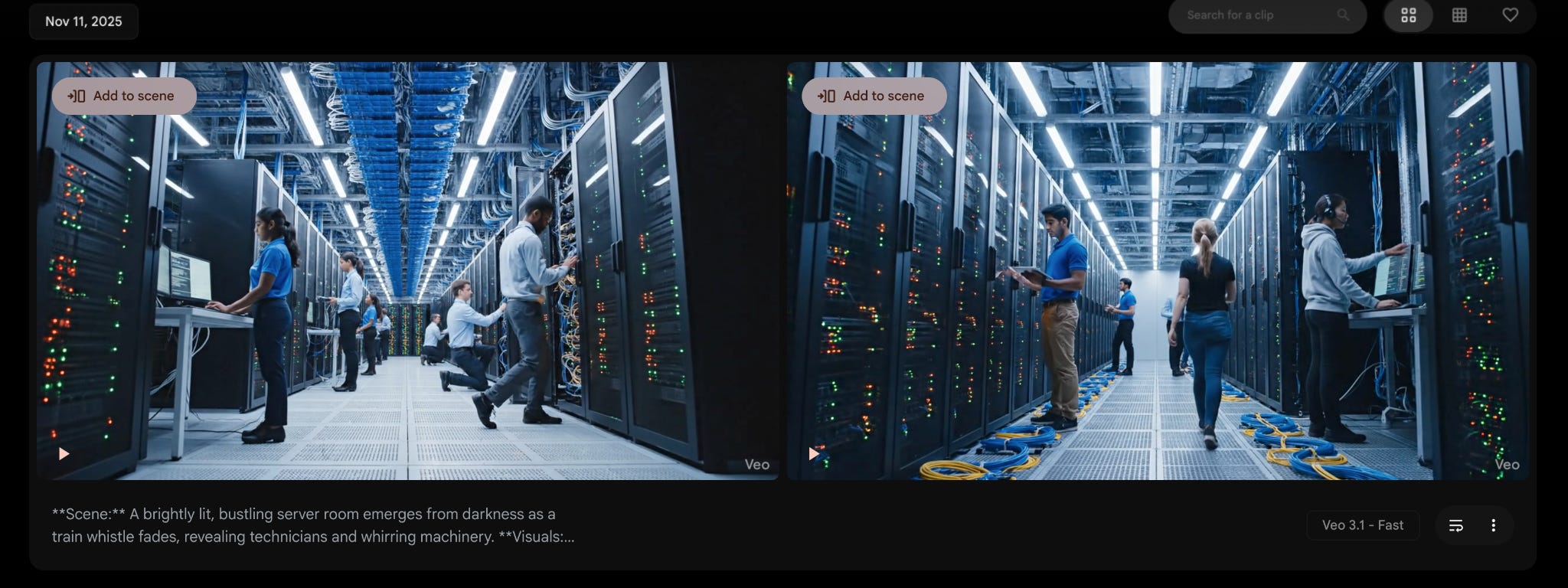
I next try to extend the video, creating another eight second clip that follows immediately on from the first to make it look like a continuous shot.
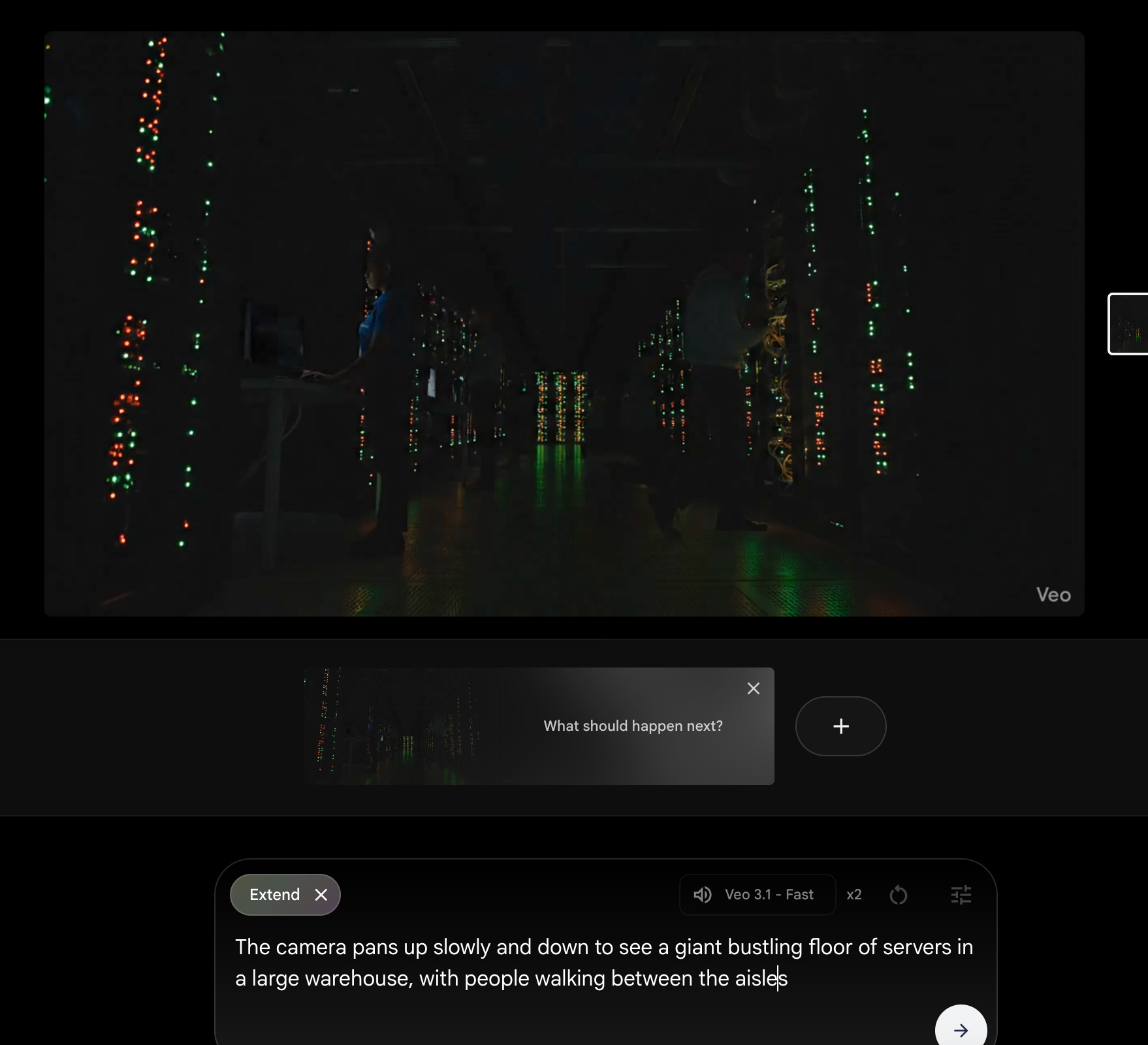
Andddd it doesn’t really work. There’s a noticeable jarring discontinuity almost like a flicker effect. I try a few different attempts to extend it, and it’s still clearly not the same scene.
I spend a little time looking around at Flow generated videos for inspiration. The enchanted door is one of their sample videos and template projects to showcase how Flow works.
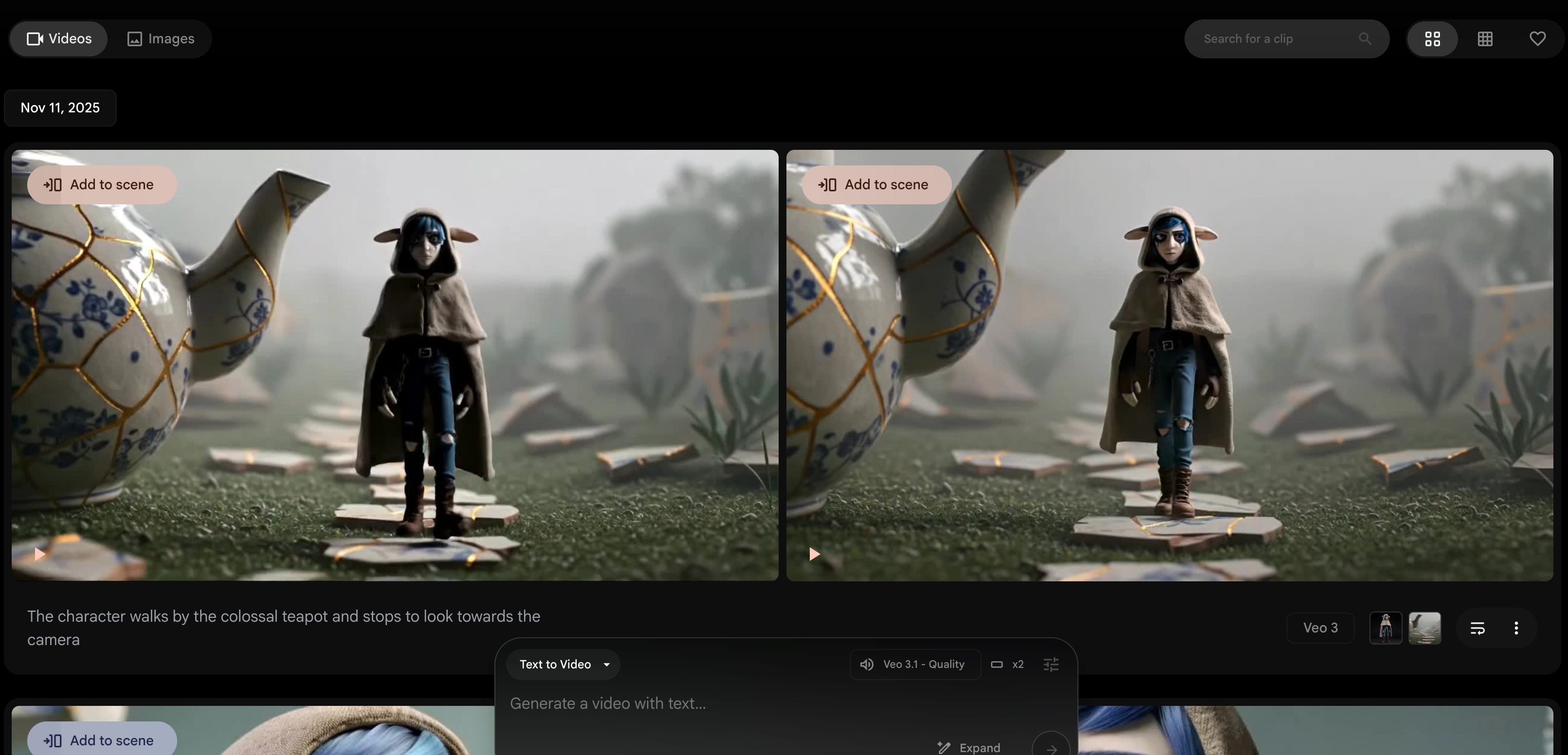
From poking through the clips it’s clear it uses an “ingredients to video” feature extensively, where providing asset images into the prompt the video will use them. Occasionally it uses frame to video, where you provide the starting and ending frame and Veo will interpolate the rest of the clip.
However, this is a quick in-and-out exploration, and Mise en Place is for professionals, so instead of assembling images I keep up the fire and try multiple different prompt iterations.
After about 30-60 more minutes of playing with prompts, I run out credits. :/
Here’s about as far as I got making what is, charitably, AI slop.
But imagine how good it would sound with a Flobots song behind it
While I didn’t get what I wanted, I did find this a very illuminating exploration.
Takeaways:
I spent about five hours exploring Veo3 and Flow. I did not make anything good.
I am even more impressed by the people that are generating high quality video art.
I expect there’s a lot more VFX editing they are doing than just prompt to video.
I should pre-generate the starting and ending frames, and character portraits, that I want for my video clips ahead of time. In fact, lots of standard practices, like doing storyboarding and creating image assets ahead of time, would probably create much higher quality unified videos.
Animated or rotoscoped clips look better. The human clips had a certain, uncanny valley to them.
credit for introducing me to the more scholarly version of endgame thinking belongs to Nora Ammann.